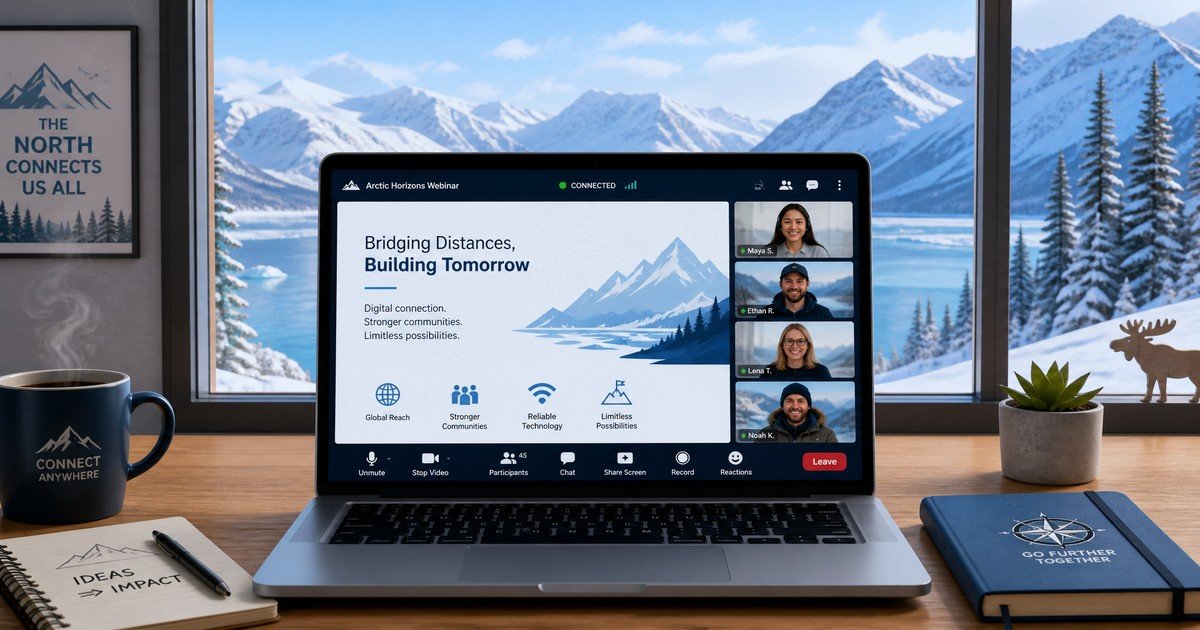
If you run a business in a northern or remote market, you already know that connectivity is not a given. Satellite links drop during storms. Mobile data caps run out mid-month. A 90-minute live webinar that works perfectly in a city office can be a frustrating, buffering experience for your most important prospects in the field.
The good news is that low-bandwidth webinars for remote audiences are not a compromise—they are a competitive advantage. When you design your virtual events around the real infrastructure your audience uses, you reach people your competitors cannot. This guide walks you through every stage of building a webinar program that works reliably across northern markets, from registration to replay.
How Connectivity Gaps Affect Webinar Participation
Before you can fix the problem, you need to understand it. Rural and remote audiences face a specific set of barriers that urban-focused webinar platforms rarely account for:
- Variable bandwidth: Satellite internet speeds can fluctuate between 5 Mbps and 50 Mbps depending on weather, time of day, and network congestion.
- Data caps: Many northern households and small businesses operate on metered connections. A 1 GB webinar recording can consume a significant portion of a monthly allowance.
- Latency: Geostationary satellite connections carry 600–700 ms round-trip latency, which makes real-time Q&A feel sluggish and interactive polls frustrating.
- Device diversity: Participants may join from older laptops, tablets, or smartphones—not the high-spec machines assumed by bandwidth-heavy platforms.
Understanding these constraints shapes every decision that follows, from platform selection to content format.
Choosing a Platform Built for Low-Bandwidth Conditions
Not all webinar platforms are equal when bandwidth is limited. When evaluating options, prioritize:
- Adaptive bitrate streaming: The platform should automatically reduce video quality when bandwidth drops rather than freezing or disconnecting the viewer.
- Audio-only fallback: Participants should be able to switch to audio-only mode without leaving the session.
- Lightweight registration pages: Avoid platforms that load heavy JavaScript frameworks on the sign-up page—slow registration pages increase drop-off before the event even starts.
- Asynchronous Q&A: Replace live chat with a moderated question queue that participants can submit at any time, reducing the pressure of real-time interaction.
Platforms like Zoom Webinars, StreamYard, and Demio all offer adaptive streaming. Test your chosen platform from a throttled connection (simulate 5 Mbps) before committing to it for a live event.
Designing a Lightweight Registration and Viewing Experience
The registration process is your first impression. Keep it frictionless:
- Limit form fields to three: Name, email, and one qualifying question (such as company size or role) are enough. Every additional field reduces completion rates, especially on mobile.
- Send a calendar invite immediately: Remote workers often manage their schedules carefully. An automatic .ics file attachment ensures the event lands in their calendar without manual effort.
- Offer a dial-in number: For participants in areas with reliable voice but unreliable data, a phone dial-in option removes the biggest barrier to attendance.
- Send a low-data reminder: Your reminder email should include a plain-text version of the agenda and a direct link to the session—no embedded video previews or heavy graphics.
For the viewing experience itself, provide a direct stream link that bypasses any platform lobby or waiting room that requires additional JavaScript to load.
Balancing Live Interaction With On-Demand Access
One of the most effective decisions you can make for a remote audience is to treat the live session and the on-demand recording as two separate products.
For the live session, focus on what only live delivery can offer:
– A short, structured Q&A window (15 minutes maximum) with questions submitted in advance
– A live poll or two that participants can answer via SMS or a simple web form rather than an in-platform widget
– A real-time demonstration that benefits from the presenter being available to respond
For the on-demand version, optimize for asynchronous consumption:
– Edit the recording to remove dead air, technical pauses, and extended Q&A that loses context without the live atmosphere
– Add chapter markers so viewers can jump to the sections most relevant to them
– Offer a downloadable audio version (MP3) for participants who want to listen during a commute or outdoor work
This dual-format approach means that a participant who missed the live session due to a connectivity outage still receives full value—and you capture a second wave of engagement from the replay audience.
Personalizing Calls to Action Without Adding Friction
A webinar without a clear next step is a missed opportunity. But for remote audiences, complex multi-step funnels create friction that kills conversion. Keep your calls to action simple and specific:
- One primary CTA per session: Whether it is booking a discovery call, downloading a resource, or starting a free trial, choose one action and make it the focus of your closing segment.
- Send the CTA by email, not just in-platform: Many participants will miss the on-screen CTA if they are listening on audio-only mode or watching on a small screen. A follow-up email sent within two hours of the session ending should repeat the offer clearly.
- Use a short URL: A memorable, short URL (such as arcticmarketer.com/webinar-offer) is easier to type on a mobile device than a long tracking link.
For B2B audiences, consider offering a 15-minute follow-up call as the primary CTA rather than a self-serve purchase. Remote business buyers often prefer a conversation before committing, and a short call is a lower-friction next step than a checkout page.
Repurposing Each Session Into an Educational Resource Hub
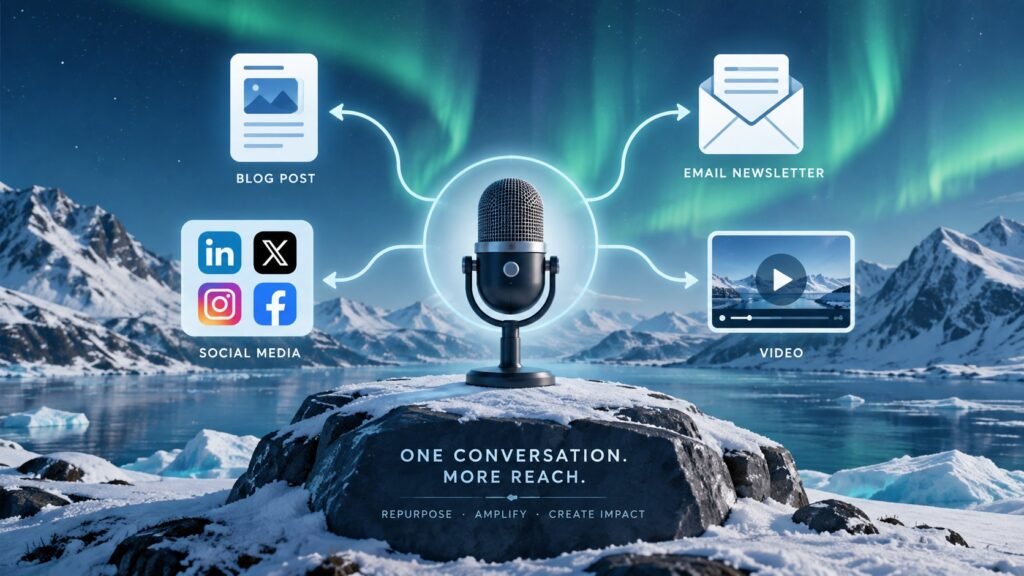
The most efficient webinar programs treat each session as raw material for a content library, not a one-time event. After each webinar:
- Publish a written summary: A 600–800 word post covering the key takeaways serves participants who prefer reading to watching, and it creates an SEO-indexed page that attracts new audiences over time. (See how we approach email automation for remote businesses as a complementary content format.)
- Create a short highlight clip: A 90-second video excerpt of the most valuable moment in the session can be shared on LinkedIn or embedded in a follow-up email without requiring participants to watch the full recording.
- Build a resource page: Collect the slide deck, the recording, the written summary, and any downloadable tools into a single page. Gate it with an email address to continue building your list from the replay audience.
- Feed insights into future content: The questions your audience asks during and after a webinar are a direct signal of what they need next. Use them to plan your next session, your next blog post, or your next email sequence.
For more on building content systems that work across time zones and connectivity conditions, see our guide on retention economics for northern e-commerce brands.
Getting Started: Your First Low-Bandwidth Webinar
If you have never run a webinar for a remote audience before, start small. A 30-minute session with a single presenter, a pre-submitted Q&A, and a clear on-demand follow-up is more effective than an ambitious 90-minute production that overwhelms your team and your audience’s connection.
Test your setup from a throttled connection before going live. Send a plain-text reminder. Offer a dial-in number. Record everything. Then use the replay data—who watched, how far they got, what they clicked—to improve the next session.
At ArcticMarketer, we help northern and remote businesses build marketing systems that work within the real constraints of their markets. A well-designed webinar program is one of the highest-leverage tools available to you—and it does not require a city-grade internet connection to deliver real results.
Ready to build a webinar program that reaches your remote audience? Explore more practical guides at ArcticMarketer.com.